
The landscape of generative AI has shifted dramatically, and as we navigate through 2026, Google’s Veo ecosystem stands at the pinnacle of cinematic content creation. For creators, marketers, and filmmakers, the choice between Veo 3 and its successor, Veo 3.1, isn’t just about a version number—it’s about the fine line between high-quality video and hyper-realistic digital storytelling.
Whether you are producing a 15-second social media ad or a full-length cinematic sequence, understanding the nuances of these models is critical. This guide breaks down the core differences between Veo 3 vs Veo 3.1 and helps you decide which powerhouse to integrate into your 2026 workflow.
The Evolution of Google’s Video AI
When Veo 3 first launched, it set a new benchmark for temporal consistency and visual detail. It was the first model to truly master complex physics, ensuring that a splashing wave or a flowing silk dress looked natural across every frame. However, as the industry progressed, the demand for better audio integration and faster rendering led to the birth of Veo 3.1.
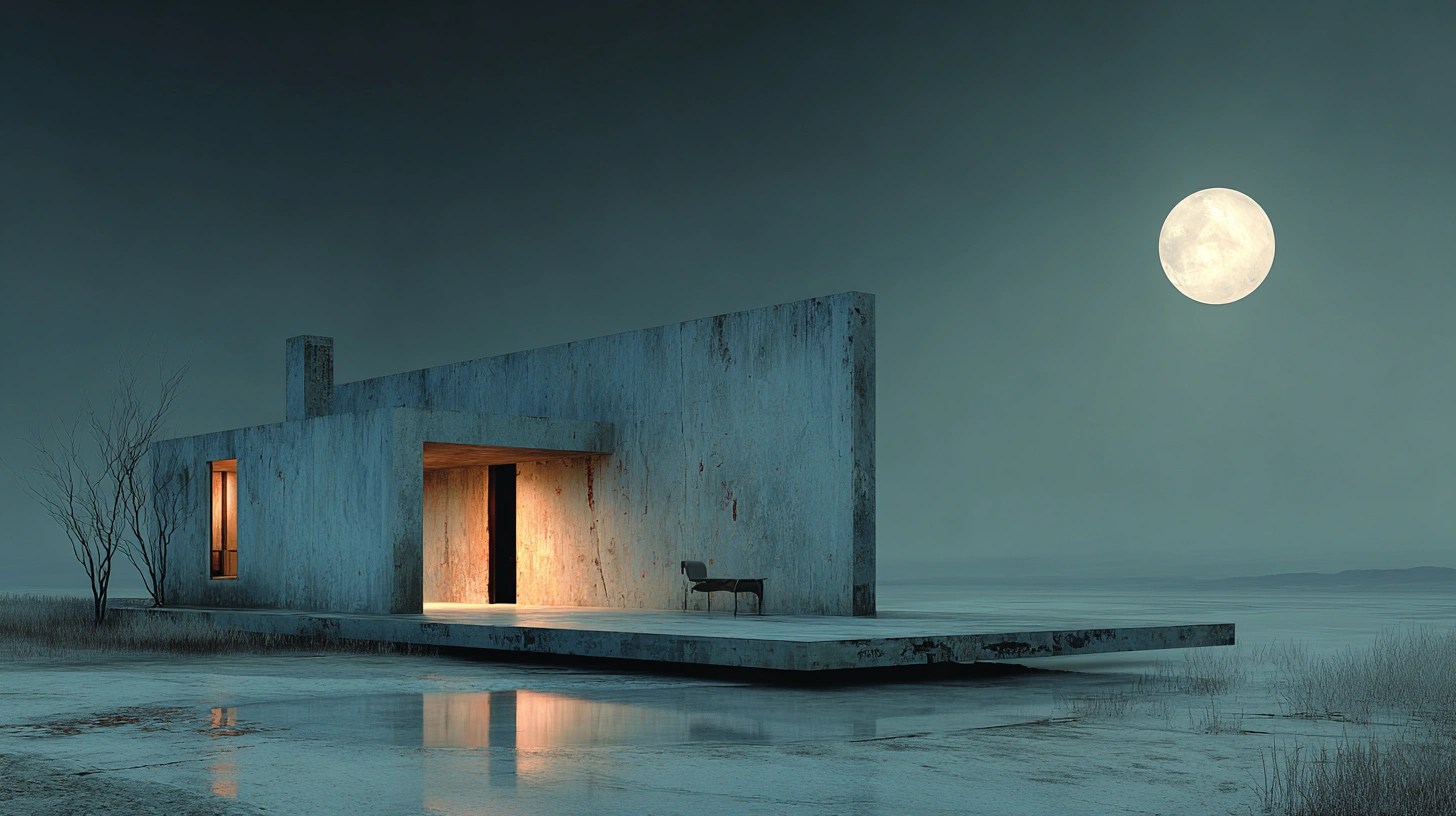
While Veo 3 remains a robust “workhorse” model, Veo 3.1 introduces a refined architecture designed for professional-grade synchronicity. In 2026, the distinction between these two models lies in how they handle the relationship between vision, sound, and prompt complexity.
Visual Fidelity: Beyond the Pixels
At first glance, both models offer stunning 4K resolution. However, the difference becomes apparent when you look at the “micro-details.”
1. Lighting and Texture Realism
Veo 3.1 utilizes an upgraded diffusion process that handles global illumination more effectively than Veo 3. In 3.1, you’ll notice that subsurface scattering on human skin and the reflective properties of metallic surfaces are significantly more accurate. If your project requires close-up shots of faces or high-end product cinematography, Veo 3.1 is the clear winner.
2. Motion Consistency
One of the primary complaints with earlier AI video models was “ghosting” during fast camera movements. While Veo 3 largely solved this, Veo 3.1 takes it a step further by implementing Advanced Motion Vectoring. This ensures that even in high-action sequences, the background and foreground remain perfectly aligned without the “jello effect” common in lesser models.
Audio-Visual Synchronization: The 3.1 Advantage
Perhaps the most significant leap from Veo 3 to Veo 3.1 is the introduction of native audio-visual grounding.
In the original Veo 3, video was generated first, and audio often had to be “hallucinated” or added via third-party tools. Veo 3.1 features integrated soundscape generation, meaning the AI understands the “sound” of the visual. If a glass breaks on screen in Veo 3.1, the audio sync is frame-perfect, capturing the initial impact and the subsequent tinkling of shards with eerie precision.
Key Audio Improvements in 3.1:
- Spatial Audio: Sound moves with the camera, providing a 360-degree immersive experience.
- Voice Synthesis Integration: Better lip-syncing for characters generated within the video.
- Ambient Intelligence: The model automatically generates background noise (wind, traffic, birds) that matches the environment’s lighting and weather.
Performance and Speed: The Rise of “3.1 Fast”
In the fast-paced world of 2026 content creation, speed is a currency. This is where the ecosystem splits into specialized tiers.

Google introduced Veo 3.1 Fast alongside the standard 3.1 model. While the standard Veo 3.1 focuses on maximum quality (often taking several minutes to render a high-bitrate clip), the 3.1 Fast variant is optimized for near-instantaneous previews.
For creators who need to iterate on ideas quickly, Veo 3.1 Fast allows you to generate low-fidelity drafts in seconds, which you can then “upscale” using the full Veo 3.1 engine. Veo 3, by comparison, lacks this tiered speed approach, making the creative process slightly more linear and time-consuming.
Prompt Adherence and Creative Control
A common frustration in AI video is “prompt drift,” where the AI ignores specific instructions halfway through the video.
- Veo 3: Excellent at following basic prompts but can struggle with “multi-subject” interactions (e.g., “A cat chasing a laser while a robot cleans the floor”).
- Veo 3.1: Features a Long-Context Transformer that remembers every part of the prompt. It excels at complex scenes and maintains character consistency across multiple shots better than any previous version.
This makes Veo 3.1 the preferred choice for storyboarding and narrative filmmaking, where maintaining the same character’s appearance across different environments is non-negotiable.
Workflow Integration: The Veo3.pro Experience
As we move deeper into 2026, the “how” you use these models is just as important as the “what.” The integration of these models into professional platforms has streamlined the production pipeline.
Platforms like Veo3.pro have optimized the “flow” of these models. By utilizing the Veo 3.1 API, users can now perform in-painting and out-painting directly on the video timeline. This means if you like a shot but want to change the actor’s shirt or the color of the sky, you can do so without re-rendering the entire sequence—a feature that is significantly more limited in the base Veo 3 model.
Comparison Summary: Veo 3 vs. Veo 3.1
| Feature | Veo 3 | Veo 3.1 |
| :— | :— | :— |
| Max Resolution | 4K | 4K+ (Enhanced Bitrate) |
| Audio | Visual Only / Basic | Integrated Spatial Sound |
| Prompt Adherence | High | Exceptional (Long-Context) |
| Rendering Speed | Standard | Variable (Standard & Fast) |
| Motion Physics | Very Good | Cinematic Realism |
| Best For | Social Media, B-Roll | Narrative, Ads, Professional Film |
Which One Should You Use?
Choosing between these two models depends entirely on your specific project needs and budget constraints.
Use Veo 3 if:
- You are creating short-form social media content (TikToks, Reels) where perfect audio-visual sync isn’t a priority.
- You are working on a tighter budget and don’t need the absolute highest fidelity in textures.
- You are using the video as a background element or B-roll where the viewer isn’t focused on micro-details.
Use Veo 3.1 if:
- You are producing commercials or high-end marketing assets that require a professional “look and feel.”
- Your project relies heavily on synchronized sound and dialogue.
- You need character consistency across a series of videos or a long-form story.
- You want to utilize the “Fast” model for rapid prototyping and iteration.
Conclusion
By 2026, the gap between “AI-generated” and “traditionally filmed” content has nearly vanished, thanks to the advancements in Google Veo 3.1. While Veo 3 remains a powerful tool for everyday content, Veo 3.1 is the definitive choice for professionals who refuse to compromise on audio quality, motion consistency, and creative control.
The transition from 3 to 3.1 isn’t just an update; it’s a shift toward a more holistic, intelligent, and efficient way of creating digital cinema. Whether you’re a solo creator or part of a large agency, mastering the Veo 3.1 workflow is your ticket to staying ahead in the competitive world of modern media.