How To Generate Talking Head Videos With Realistic Dialogue In Veo 3

In the rapidly evolving landscape of generative AI, Veo 3 has cemented its position as the industry gold standard for high-fidelity video production. As we move through 2026, the ability to create realistic talking head videos is no longer reserved for Hollywood visual effects studios; it is now accessible to creators, marketers, and educators via simple, text-based prompts.
Whether you are looking to create an AI-powered spokesperson, a virtual brand ambassador, or a cinematic character for a narrative project, mastering Veo 3’s dialogue-syncing capabilities is essential. This guide will walk you through the precise workflows, prompt engineering strategies, and technical settings required to achieve broadcast-quality results.
Understanding the Power of Veo 3 for Dialogue
Veo 3 represents a massive leap forward in AI video synthesis. Unlike its predecessors, it utilizes a sophisticated multi-modal architecture that synchronizes lip-movement, facial micro-expressions, and emotional inflection with the generated audio track.

When you generate talking head videos with realistic dialogue, you aren’t just creating a moving image; you are generating a performance. The model understands the nuances of human speech, ensuring that a character’s jaw movement matches the cadence of their voice, which is critical for maintaining audience immersion.
Step-by-Step: Creating Your First Talking Head
Generating a talking head in Veo 3 requires a systematic approach. By following these steps, you minimize the risk of “uncanny valley” effects and ensure the output is usable for your 2026 content strategy.
1. Character Design and Consistency
Before generating speech, define your character clearly. Use descriptive prompts that specify age, ethnicity, attire, and lighting conditions.
- Pro Tip: Use a consistent character reference (Seed) if you are generating multiple clips for the same video. This prevents the character from morphing between shots.
2. Crafting the Perfect Dialogue Prompt
The secret to realistic dialogue in Veo 3 lies in your prompt structure. You should describe not just what is being said, but how it is being said.
- Example Prompt: “A professional woman in a modern office, medium shot, speaking directly to the camera with a friendly and confident tone. She explains the benefits of AI technology, with natural, subtle head movements and authentic lip-syncing to the provided audio file.”
3. Integrating Audio for Lip-Sync
Veo 3 allows you to upload custom audio files or use its internal text-to-speech engine. For maximum realism, upload a high-quality voiceover file. The AI analyzes the phonemes within your audio to ensure the character’s mouth movements align perfectly with the sound waves.
Advanced Prompting Tips for Better Performance
Even with powerful AI, the quality of your output is heavily dependent on your prompt engineering. If you find your character’s movements too static, you need to add “motion modifiers” to your prompt.
- Specify Facial Expressions: Add keywords like “smiling while speaking,” “thoughtful brow furrowing,” or “animated hand gestures.”
- Control the Environment: Always define the background. A blurred, professional office or a clean studio backdrop works best for talking heads, as it keeps the viewer focused on the character’s facial expressions.
- Fixing Common Issues: If your video lacks audio or the sync feels off, check your frame rate settings. Veo 3 performs best at 24 or 30 frames per second (FPS) for dialogue-heavy scenes.
Troubleshooting Common Veo 3 Challenges
Even with the best tools, you may encounter obstacles. Here is how to handle the most common issues in 2026:
- Inconsistent Voices: If the AI voice feels robotic, ensure your uploaded audio has a natural cadence and proper breathing pauses.
- Lip-Sync Lag: If the lips are out of sync, try regenerating with a “High Fidelity” setting enabled, which prioritizes frame-by-frame precision over raw speed.
- Character Morphs: If your character changes appearance mid-video, ensure you are using the Character Reference ID feature provided in the Veo 3 dashboard.
Why 2026 is the Year of AI-Driven Communication
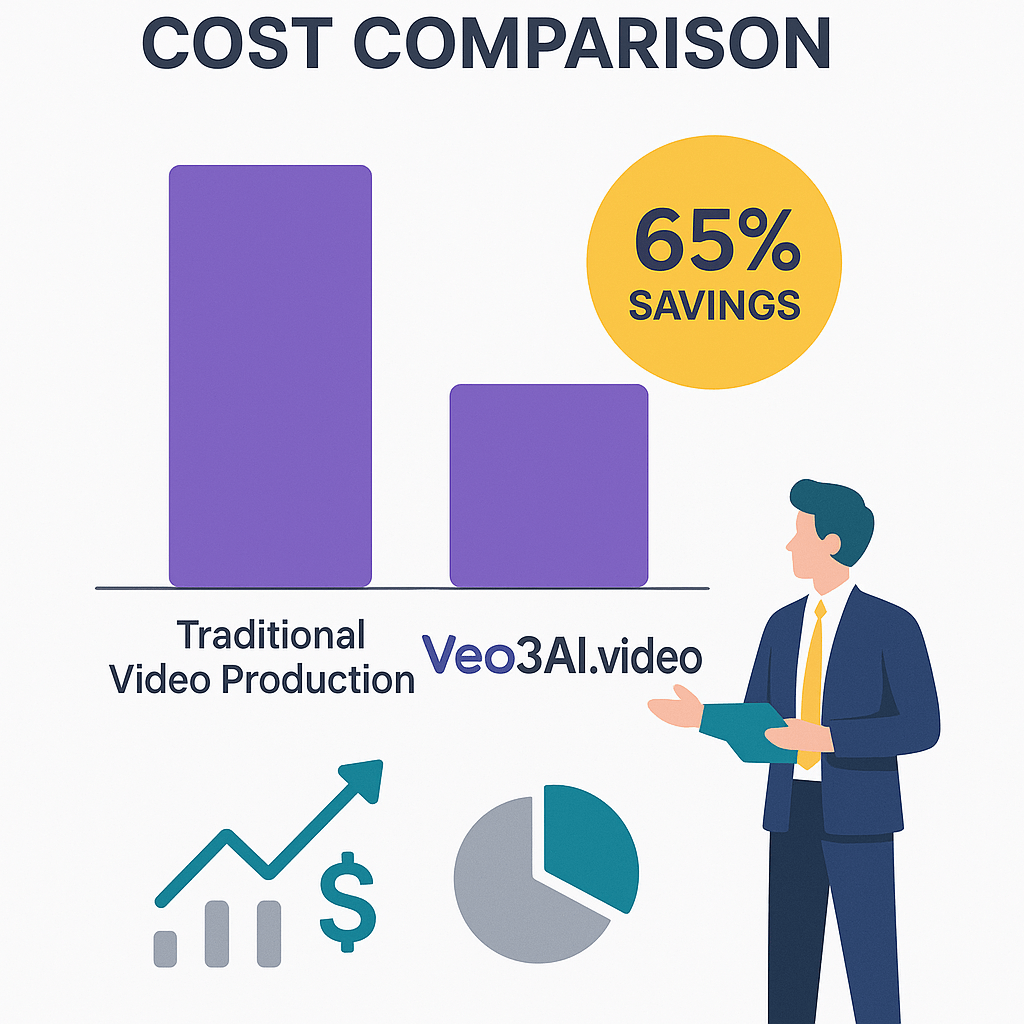
The demand for AI-generated video content is skyrocketing. Businesses are using talking head videos to scale their customer support, create personalized sales outreach, and produce massive amounts of educational content without the overhead of physical video production.
By mastering the art of generating talking head videos with realistic dialogue in Veo 3, you are positioning yourself at the forefront of the creator economy. The ability to produce high-quality, human-like video content on demand is no longer a luxury—it is a competitive necessity.
Conclusion
Generating realistic talking head videos in Veo 3 is an iterative process that rewards those who pay attention to detail. By combining clear, descriptive prompts with high-quality audio and proper character seeding, you can produce content that is virtually indistinguishable from real-world footage.
As you continue to experiment with Veo 3 throughout 2026, keep your prompts structured, your audio files clean, and your creative vision sharp. The barrier to entry has never been lower, and the potential for storytelling has never been higher. Start experimenting with your first AI spokesperson today and see the difference that high-quality synthesis makes.